Tableside vs Upserve: True Cost Comparison for Restaurants (2026)
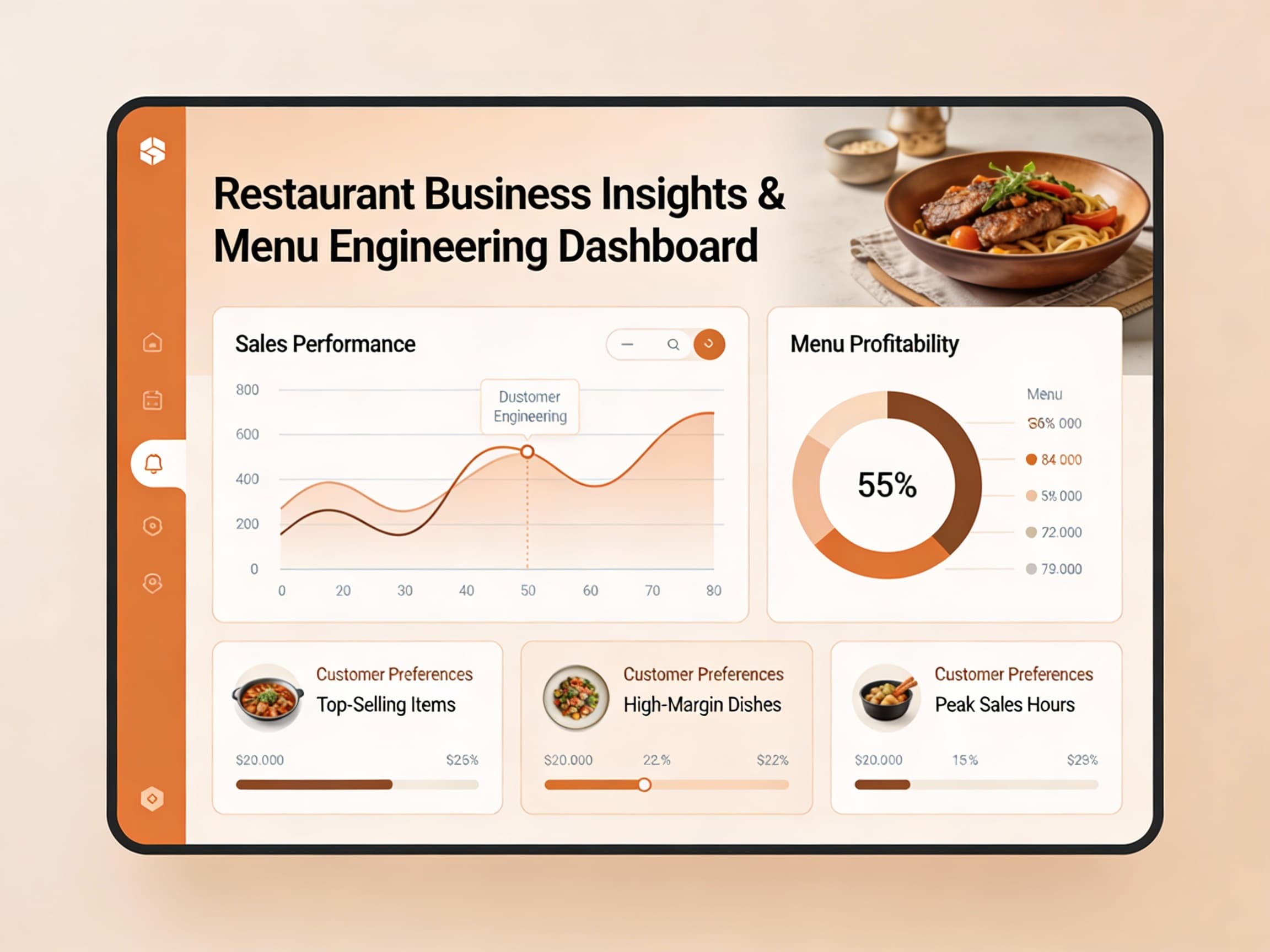
Upserve earned a loyal following among full-service independents for one reason: analytics. Server performance, menu-item profitability, and shift-level insights that most legacy POS systems never surfaced — presented in a way owners actually open. That reputation is real. But the sticker price is not the whole story: per-terminal software, processing, hardware, and the post-acquisition roadmap all change the Year 1 math.
The Numbers That Matter: Per-Terminal Pricing and Processing
Upserve's economics live in three lines most shoppers skim past:
- **Software is priced per terminal, not per location** — Upserve POS plans are commonly cited in the roughly $59/month-per-terminal range for the core system, with higher tiers for advanced inventory and multi-location management. A two-terminal counter plus a kitchen display is three billable seats before you serve a single guest — and every added terminal raises the monthly bill.
- **Processing runs through Upserve Payments** — card revenue flows through Upserve's own processing at standard flat rates, commonly cited around 2.5% plus a per-transaction fee. At $10K monthly card volume that is roughly $3,000+/year in processing alone — the single biggest line on the Year 1 bill, and one the software quote never includes.
- **The Lightspeed question** — Upserve was acquired by Lightspeed in 2020, and new sales conversations increasingly route toward Lightspeed Restaurant. Before signing, ask in writing which platform you are actually buying, how long Upserve-branded support and updates are committed, and what a forced migration would cost in retraining and hardware.
Ask any vendor for three numbers in writing: monthly software for your real terminal count, the first-year hardware plus onboarding total, and the all-in Year 1 figure including processing at your real volume. Compare those — not the per-terminal headline alone.
Starter Tier: Side by Side
Single location, two terminals, 250 orders/month, $10K monthly card revenue, annual billing:
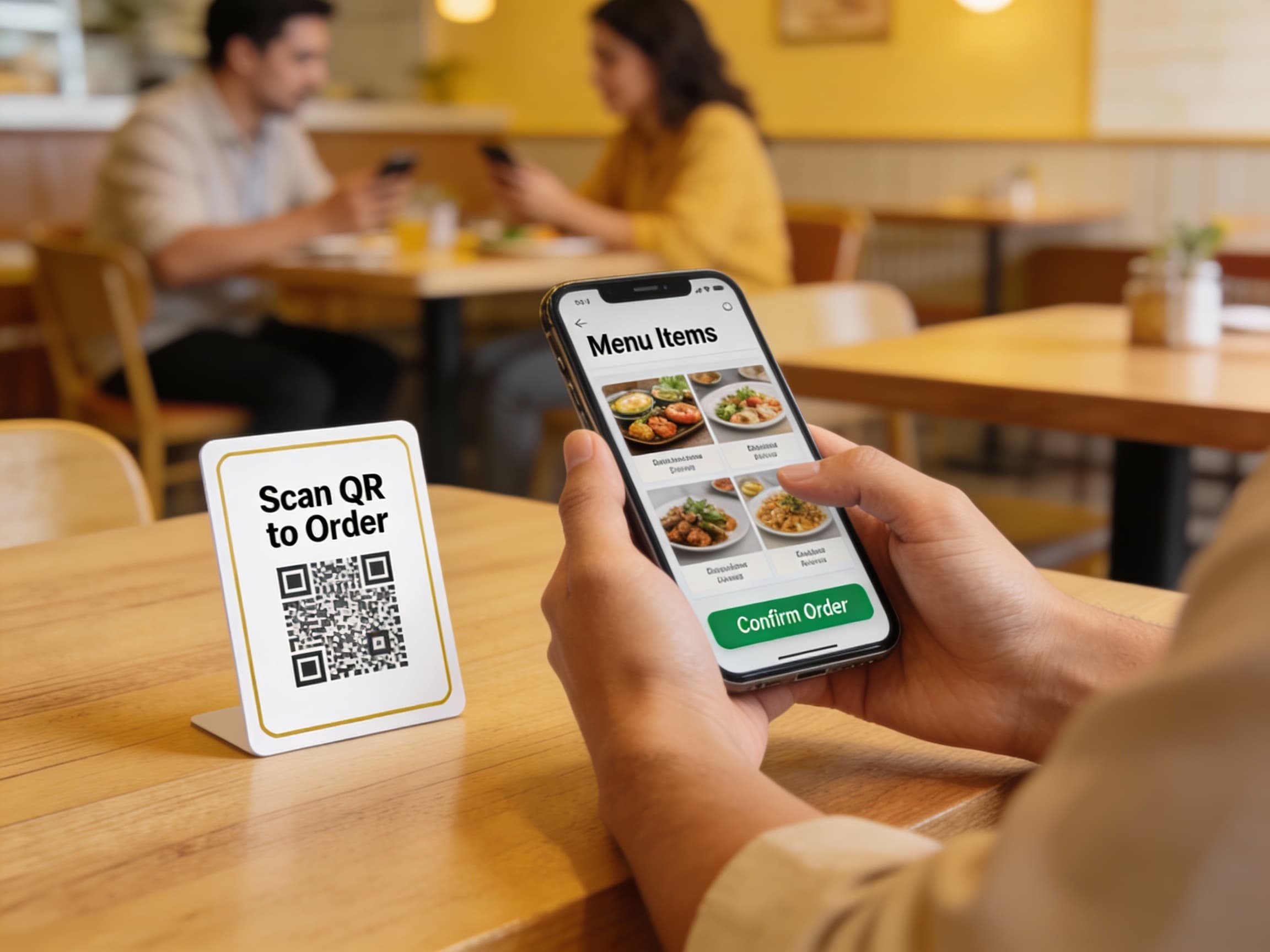
- **Tableside Starter + Ordering — $325/mo, ~$1,350 setup, Year 1 ~$5,250.** Published pricing, no per-order surcharge, no mandatory processing markup.
- **Upserve realistic all-in — ~$120–$250/mo in software for two-plus terminals, ~$2,000–$3,000 in first-year hardware and onboarding amortized across Year 1, ~$3,000+/yr in processing at standard flat rates, Year 1 commonly ~$7,000–$10,000+** once every line is counted.
So the working Upserve stack lands at roughly 1.5–2x the Year 1 cost of Tableside — while the per-terminal quote suggested a much smaller gap.
What Else to Weigh
Analytics vs. action. Upserve tells you what happened — which servers upsell, which menu items drag, which shifts leak. That is genuinely valuable. Tableside pairs reporting with an AI assistant that acts on it: done-for-you menu updates, review responses, and social content — you approve, it publishes — backed by a 90-day guarantee. Insight you still have to staff around is only half the saving.
One stack vs. assembled stack. Ordering, loyalty, and gift cards around Upserve typically arrive via integrations or add-ons with their own fees. Tableside ships one restaurant stack — POS, ordering, loyalty, gift cards, review responses, and AI updates — on one bill.
The Year 2 picture. Upserve's per-terminal software and processing renew every month, and menu management stays on your staff's shift time. Tableside charges diners nothing per order and keeps updates done-for-you, so growth in covers never grows the software bill or the back-office workload.
Who Should Pick Which?
- **Pick Upserve** if you run a full-service dining room, live in your numbers, and want best-in-class server and menu analytics — with staff time to act on them and clarity in writing on the Lightspeed roadmap.
- **Pick Tableside** if you want one stack — POS, ordering, loyalty, gift cards, review responses, and AI updates — with published pricing at $325/month flat, where one saved reservation a week pays for it.
Next Steps
Add up software for your real terminal count, hardware and onboarding, and processing at real volume — then ask which platform you are buying and for how long it is supported. If the total surprises you, request a demo and we will walk through the Tableside equivalent line by line — no mandatory processing markup, no per-order fee.