Tableside vs Planday: True Cost Comparison for Restaurants (2026)
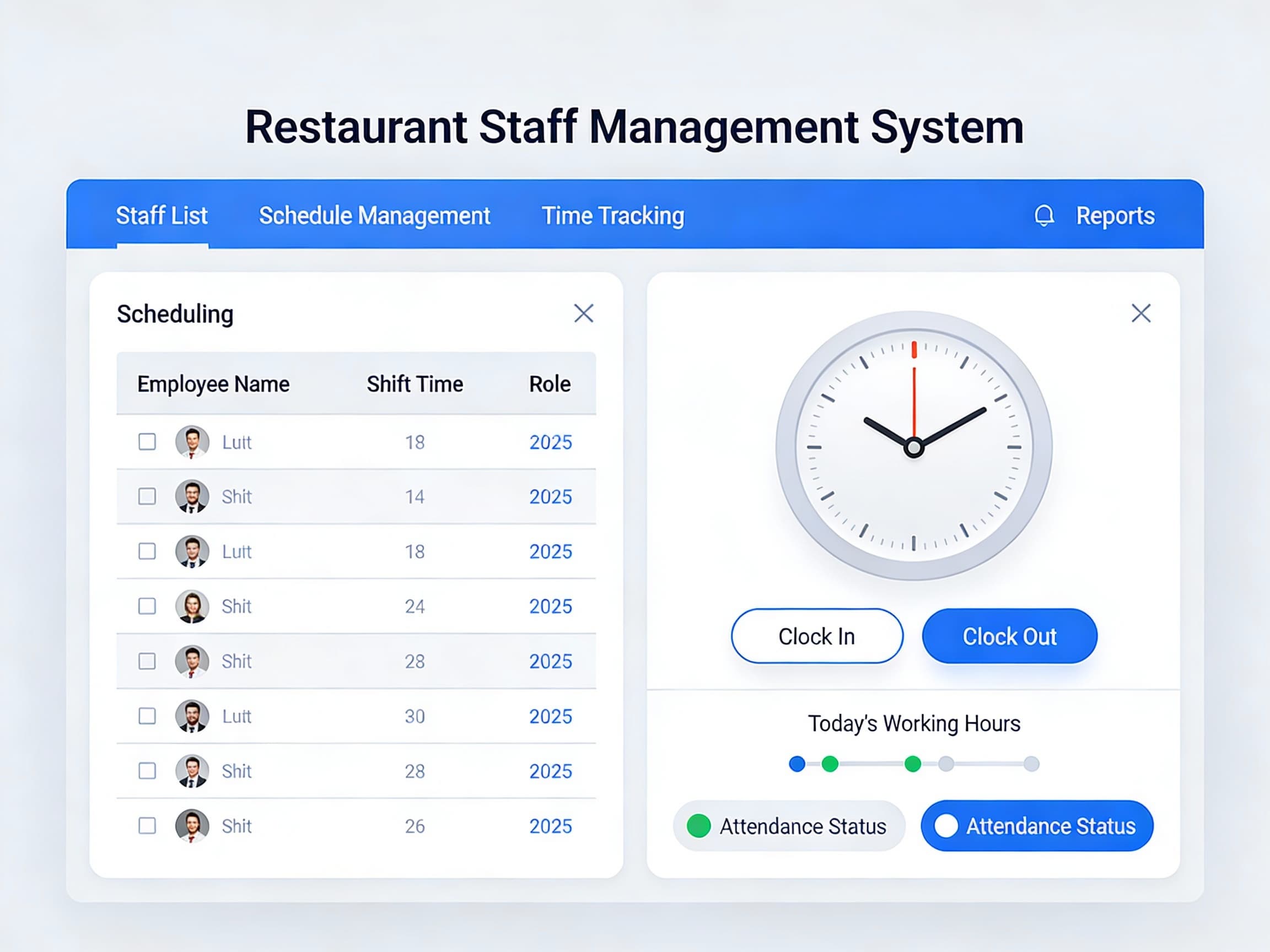
Planday won over hospitality operators by speaking their language: shift templates built for restaurants, availability and shift swaps in the app, a punch-clock with GPS, and payroll integrations that push approved hours straight into Xero and other providers. For an operator whose rota still lives in a spreadsheet full of availability exceptions, purpose-built scheduling with a payroll bridge feels like found money. For a restaurant that also needs POS, direct ordering, and loyalty tied to the same operation, the scheduling subscription is the on-ramp — the working setup with per-user paid tiers, payroll connectors, and onboarding lives above it, while POS, ordering, and the guest relationship still need a separate stack.
The Numbers That Matter: Per-User Pricing, Hospitality Roster Math
Planday economics live in two lines most shoppers price separately and feel together:
- **Per-user monthly tiers for every employee on the rota** — published plans step up from roughly $3–$4/user/month on the entry tier through higher Plus and Pro tiers for budgeting, advanced reporting, and deeper integrations. A 15-person roster on a mid tier lands near $50–$90/month before add-ons — and every seasonal hire pushes the line higher. The scheduling bill grows with your headcount, not your revenue.
- **Payroll and onboarding cost extra** — the rota itself is cheap; full payroll integrations, compliance exports, and guided onboarding or implementation packages arrive as higher tiers or paid extras. The schedule is affordable; running labor cost like a P&L line costs extra every month.
- **The stack is still half-built** — Planday covers the schedule-to-payroll side well; POS, direct ordering, review responses, and back-office automation arrive as separate vendors with separate bills and separate logins. The scheduling line item is one slice of a multi-vendor stack.
Ask any vendor for two numbers in writing: the all-in monthly total at your real headcount with every tier and add-on you will actually switch on (not the entry tier alone), and the all-in Year 1 figure including onboarding. Compare those — not the entry-tier headline alone.
Starter Tier: Side by Side
Single location, 3 terminals, 250 orders/month, $10K monthly card revenue, annual billing:
- **Tableside Starter + Ordering — $325/mo, ~$1,350 setup, Year 1 ~$5,250.** Published pricing, no per-cover fee, no per-order fee, no mandatory processing markup.
- **Planday realistic all-in — paid tier for a ~15-person crew plus payroll connectors and onboarding, Year 1 commonly ~$600–$1,500+** for scheduling and labor basics alone — before POS, processing, ordering, or review responses enter the picture, and rising with every hire you add.
So the working Planday line lands at roughly a tenth to a quarter the Year 1 cost of the entire Tableside stack — while covering none of the POS, ordering, or guest-facing moments that actually generate the revenue paying for it. And the entry tier that won you over is one roster expansion behind the setup you actually run.
What Else to Weigh
Scheduling specialist vs. one stack. Planday covers the rota-to-payroll moments beautifully; the POS, gift-card, and review-response moments arrive as integrations or separate vendors with separate bills. Tableside pairs ordering with the whole operation: POS, ordering, loyalty, gift cards, review responses, and an AI assistant that acts on all of it — you approve, it publishes — backed by a 90-day guarantee. Software that only covers the schedule side leaves the rest of the shift on your team's plate.
Headcount tax vs. flat rate. A per-user model bills you more in exactly the months you staff up for patio season, holidays, and the Friday rush — the moments your margin is thinnest. Tableside's flat monthly rate stays put whether you run twelve people or twenty, so growth seasons grow revenue, not software bills.
The Year 2 picture. Per-user fees renew every month at your full roster size, and the premium features that felt optional in Year 1 become load-bearing by Year 2. Tableside keeps updates done-for-you at the same flat rate, with direct ordering that keeps the guest relationship — and the margin — yours.
Who Should Pick Which?
- **Pick Planday** if hospitality-grade scheduling with swaps, time clock, and a payroll bridge is the whole job — and you have budgeted the full Year 1 line: the paid tier you will actually need plus payroll connectors plus onboarding, not just the entry tier.
- **Pick Tableside** if you want one stack — POS, ordering, loyalty, gift cards, review responses, and AI updates — with published pricing at $325/month flat, where one saved Friday-night rush a week pays for it.
Next Steps
Add up your monthly Planday tier at your real headcount plus every payroll connector and onboarding fee — then ask what scheduling software actually costs all-in. If the total surprises you, request a demo and we will walk through the Tableside equivalent line by line — no per-cover fee, no per-order fee, no mandatory processing markup.